HubSpot
Every call, email and shift in one place.
Connect HubSpot, and your clients and their contacts come into Karmly while your workers go to HubSpot. Consultants see the HubSpot history on every Karmly record, and Karmly’s side of the story on every HubSpot one.

Connect
Your CRM and your workforce, in step.
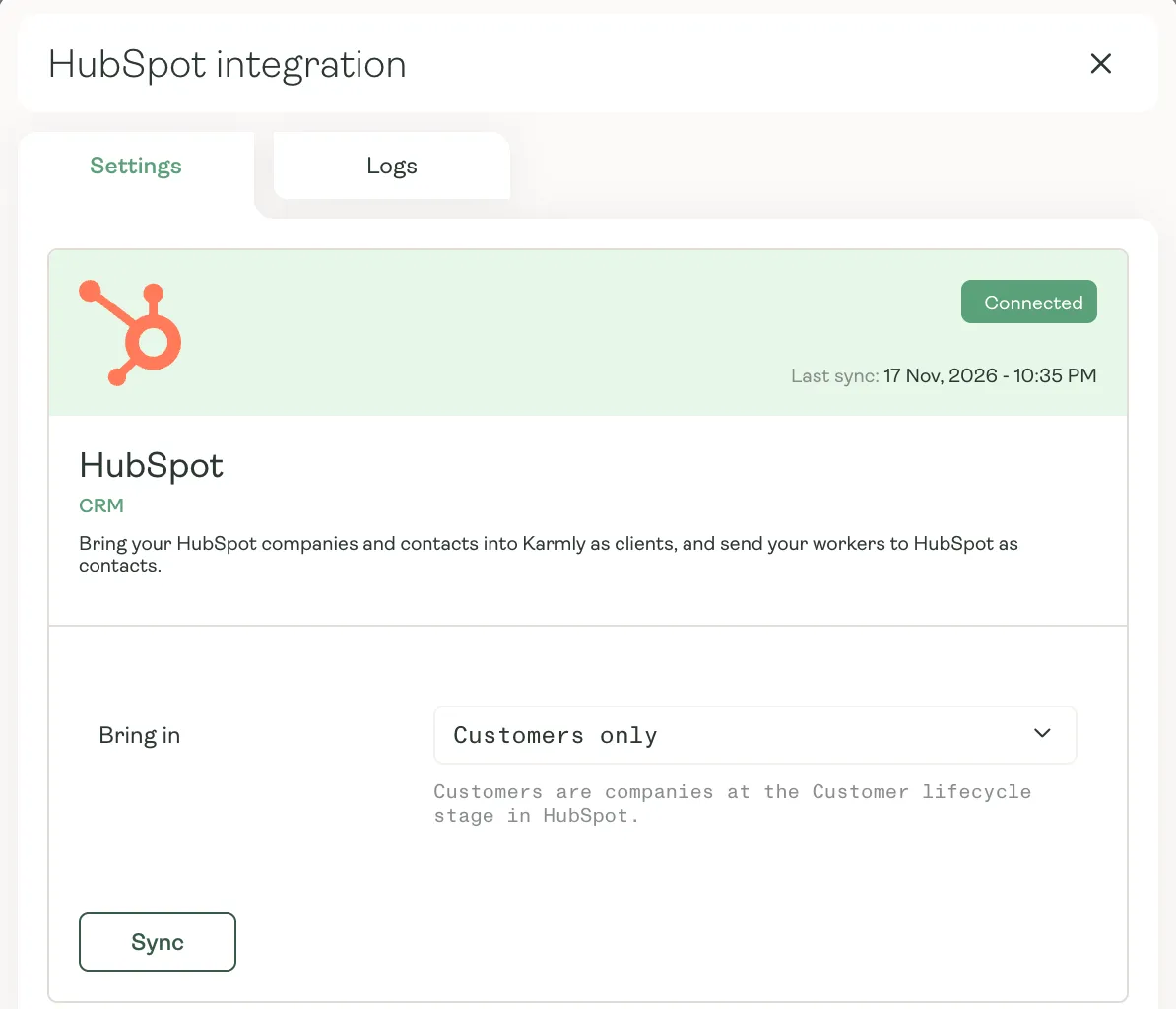
Connect your HubSpot account from Karmly in a few clicks. Your HubSpot companies and their contacts come into Karmly as clients, your workers go to HubSpot as contacts, and both stay up to date through the day.
- Clients and contacts brought in from HubSpot, and kept current
- Workers and applicants sent to HubSpot as non-marketing contacts
- Bring in just your customers, or every company
On every record
The HubSpot history, without leaving Karmly.
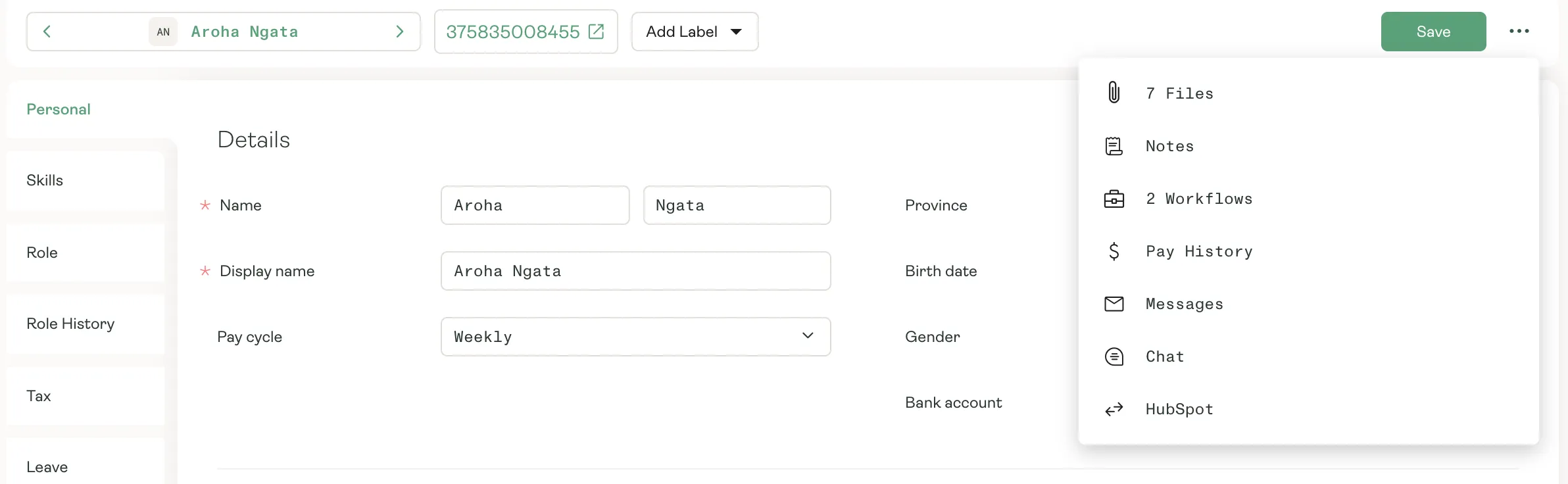
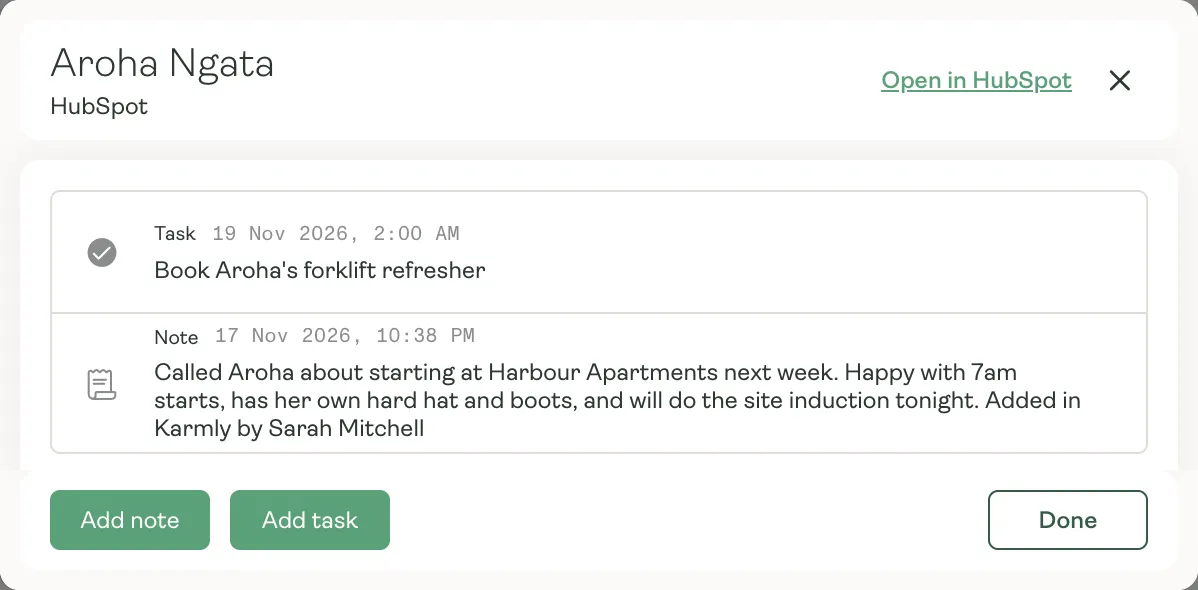
Open HubSpot from any worker, applicant or client in Karmly to see their emails, calls, meetings, notes and tasks in one timeline. Add a note or a task right there, and it lands in HubSpot.
- Emails, calls, meetings, notes and tasks in one timeline
- Notes and tasks added in Karmly, saved to HubSpot
- One click to the same record in HubSpot
Both ways
Karmly inside HubSpot, too.
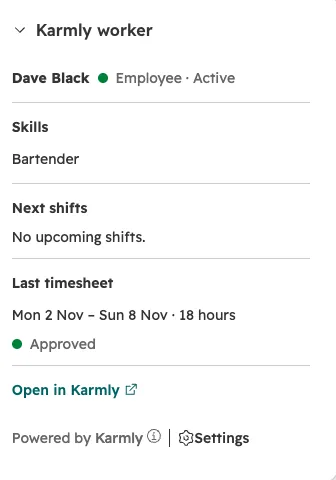
Add Karmly’s cards to your HubSpot records. On a worker’s contact, see their status, tickets and expiry dates, next five shifts and last timesheet. On a client’s company, see its active jobs and this week’s hours and margin. One click opens the record in Karmly.
- Worker cards on HubSpot contacts, client cards on companies
- Margin shown only to people allowed to see it in Karmly
- One click from HubSpot to the record in Karmly
Why it matters
One picture of every person.
- 01
Applicants too
Applicants go to HubSpot as they apply, so recruiters can email and call them from HubSpot.
- 02
No doubling up
Karmly matches clients and people already in both before it creates anything.
- 03
Pay details stay in Karmly
Only names, contact details and status go to HubSpot. Bank, tax and pay details never leave Karmly.
- 04
Edit in either place
Nothing is locked in Karmly. A change made in HubSpot comes through, and a change made in Karmly stays until HubSpot changes it again.
Sell, place and pay from one picture.
See how Karmly and HubSpot work together for labour hire.